Open-Channel SSD Series (2): Getting Started — Official Docs Summary
A translated and annotated summary of the Open-Channel SSD official documentation — kernel setup, nvme-cli, QEMU configuration, and common problems.
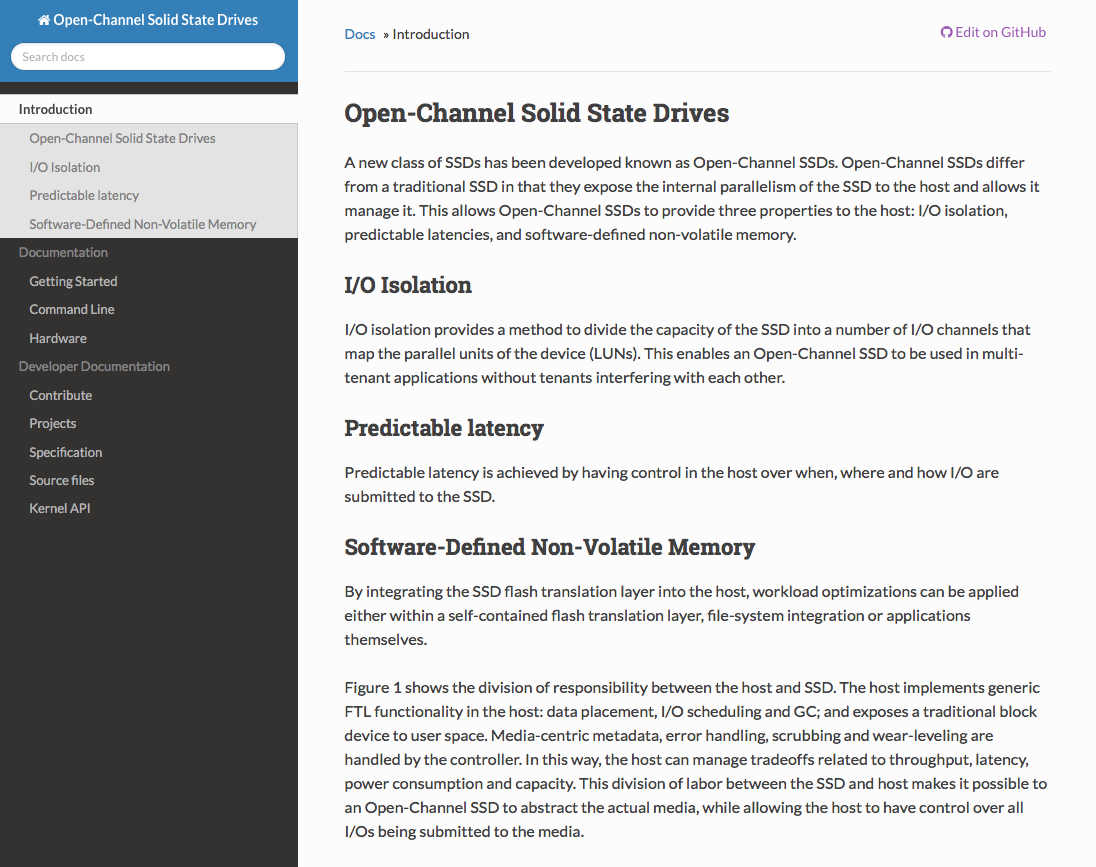
Original documentation: https://openchannelssd.readthedocs.io/en/latest/
How to Use Open-Channel SSDs
Using an Open-Channel SSD requires OS kernel support. The Linux kernel has included the LightNVM subsystem since version 4.4. Because the project is still under active development, it is recommended to use the latest release. The latest source code is available at: https://github.com/OpenChannelSSD/linux.
After booting a supported kernel, the following three requirements must be met:
- A compatible device — either QEMU NVMe or physical hardware such as the CNEX Labs LightNVM SDK.
- A media manager on top of the device driver that manages the device’s partition table.
- A target on top of the block manager that exposes the Open-Channel SSD as a block device.
Install Kernel 4.12+
LightNVM has been supported since kernel 4.4. pblk, the host-side FTL target used in most setups, has been available since 4.12+. Make sure to install 4.12 or later if you intend to use pblk.
Install nvme-cli
nvme-cli is the tool used to manage NVMe devices. Install it via:
1
sudo apt-get install nvme-cli
Or build from source: https://github.com/linux-nvme/nvme-cli
If you are not using Ubuntu, refer to the nvme-cli GitHub project for distribution-specific instructions.
Using Open-Channel SSD Hardware
If you have a CNEX Labs LightNVM SDK or another Open-Channel SSD, verify that the device is recognized:
1
sudo nvme lnvm list
Expected output:
1
2
3
Number of devices: 1
Device          Block manager   Version
nvme0n1         gennvm          (0,1,0)
If the block manager field is empty, the device needs to be initialized:
1
sudo nvme lnvm init -d nvme0n1
Using QEMU
Keith Busch’s QEMU branch can emulate a LightNVM-compatible NVMe device backed by a file.
Configure QEMU
Create an empty backing file for the NVMe device:
1
dd if=/dev/zero of=blknvme bs=1M count=1024
This creates a 1 GB file named blknvme. Boot your preferred Linux image with:
1
2
3
4
5
qemu-system-x86_64 -m 4G -smp 1 --enable-kvm \
  -hda $LINUXVMFILE -append "root=/dev/sda1" \
  -kernel "/home/foobar/git/linux/arch/x86_64/boot/bzImage" \
  -drive file=blknvme,if=none,id=mynvme \
  -device nvme,drive=mynvme,serial=deadbeef,namespaces=1,lver=1,nlbaf=5,lba_index=3,mdts=10
Replace $LINUXVMFILE with the path to an already-installed Linux VM image.
QEMU supports the following LightNVM-specific parameters:
| Parameter | Description |
|---|---|
lver=<int> | LightNVM standard version (default: 1) |
lbbtable=<file> | Load bad block table from file; if omitted, a table is generated automatically |
The full parameter list can be found in $QEMU_DIR/hw/block/nvme.c.
Instantiate Media Manager and Target
Once the kernel is booted, enumerate devices:
1
sudo nvme lnvm list
Initialize and create a pblk target:
1
2
sudo nvme lnvm init -d nvme0n1
sudo nvme lnvm create -d nvme0n1 --lun-begin=0 --lun-end=3 -n mydevice -t pblk
For faster initialization (skip L2P table recovery), use the -f flag:
1
sudo nvme lnvm create -d nvme0n1 --lun-begin=0 --lun-end=3 -n mydevice -t pblk -f
Use --help on any sub-command for details, e.g.:
1
sudo nvme lnvm create --help
Assuming nvme0n1 appeared in the device list, /dev/mydevice is now exposed as a standard block device.
Note: At the time of writing, pblk was available only in the LightNVM Linux kernel GitHub repository and had not yet been upstreamed.
Source Install
Compile the Latest Kernel
Clone the LightNVM kernel:
1
git clone https://github.com/OpenChannelSSD/linux.git
Check out the for-next branch. Ensure your .config includes at minimum:
1
2
3
4
CONFIG_NVM=y
CONFIG_NVM_DEBUG=y
CONFIG_NVM_PBLK=y
CONFIG_BLK_DEV_NVME=y
Then compile and install the kernel following your distribution’s standard process.
QEMU Installation
QEMU support for Open-Channel SSDs is based on Keith Busch’s qemu-nvme branch:
1
2
3
git clone https://github.com/OpenChannelSSD/qemu-nvme.git
./configure --enable-linux-aio --target-list=x86_64-softmmu --enable-kvm
make && sudo make install
Common Problems
Failed to open LightNVM mgmt /dev/lightnvm/control. Error: -1
Either run nvme as root, or you are running a kernel older than 4.4.
Kernel panic on boot using NVMe
Zero out the NVMe backend file:
1
dd if=/dev/zero of=backend_file bs=1M count=X
Make sure the
qemu-nvmebranch is also up to date — the Linux and QEMU repos must stay in sync.
2026 Update Note
- This post was migrated from the original blog and language-polished in 2026.
- The LightNVM / pblk subsystem has been superseded by newer kernel abstractions. For modern open-channel SSD work, refer to the NVMe Zoned Namespace (ZNS) specification and the kernel’s
nvme-znsdriver.